Stripe
Configure Stripe API and webhook secrets
Variables
| Variable | Required | Purpose |
|---|---|---|
STRIPE_SECRET_KEY | Yes | Server-side Stripe API key (sk_...). |
STRIPE_WEBHOOK_SECRET | Yes | Webhook signature validation secret (whsec_...). |
Stripe Secret Key
- Open Stripe API keys URL:
https://dashboard.stripe.com/<ACCOUNT_ID>/apikeys - In left sidebar, click
Developers -> API keys. - Copy
Secret key. - Use production key for production envs and test key for local/dev.
Webhook Signing Secret
- Open
Developers -> Webhooks. - Click
Add destination. - Choose destination type
Webhook endpoint. - Set endpoint URL to
https://<host>/api/auth/stripe/webhook. - Give the destination a clear name.
- Select events used by your billing flow.
- Click
Create destination. - Open the created webhook and copy signing secret (
whsec_...) intoSTRIPE_WEBHOOK_SECRET.
If this is the first Stripe setup in your project, align SDK and API version:
bun add stripe@latest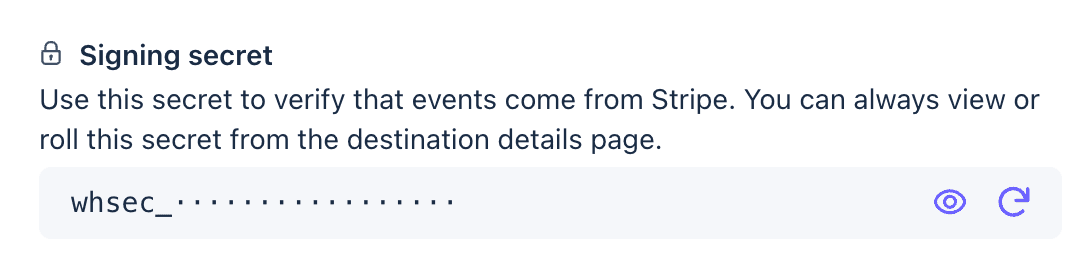
Local Testing
- Install Stripe CLI: https://docs.stripe.com/stripe-cli/install
- Login:
stripe login- Start local webhook forwarding:
bun run stripe:listenWebhook Version Rotation
When updating Stripe SDK/api-version behavior:
- Create a new webhook endpoint with the same event set and new API version.
- Update
STRIPE_WEBHOOK_SECRETwith the new value. - Deploy and verify events are processed.
- Remove the old webhook endpoint.